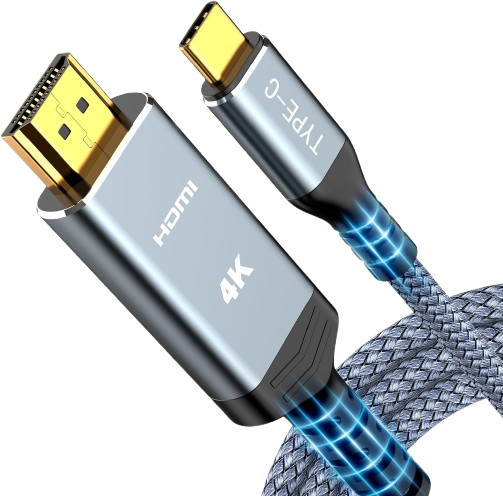
Our Stake has purchased HDMI-to-USB-C cables to connect devices to our TVs. Each TV will have a cable, and there are also cables found in the Media center.
NOTE: Not every device may be supported for WIRED or WIRELESS
HOW TO USE:
iPhone / iPad
- Power ON TV
- Select input for the WIRED connection
- Connect the HDMI to USB-C adaptor to the HDMI cable
- Connect the USB-C connection to the iPad’s USB-C port
- The device should now be sharing its screen with the TV, including sound.